·

GrowMore CookMore v2 is here — and it’s a big one

🌱 GrowMore CookMore App Know what to sow, when to harvest, and discover recipes for your garden produce. Right, so. I’ve been sitting on this for a while and I…

🌱 GrowMore CookMore App

Know what to sow, when to harvest, and discover recipes for your garden produce.

Download on the App Store

Right, so. I’ve been sitting on this for a while and I am absolutely buzzing to finally get it out there.

Version 2 of GrowMore CookMore has landed — and if you’ve been using the app for a while, I think you’re going to love what’s waiting for you when you hit Update. And if you’ve never given it a go before… well, there’s never been a better time. I’ll explain why in a bit.

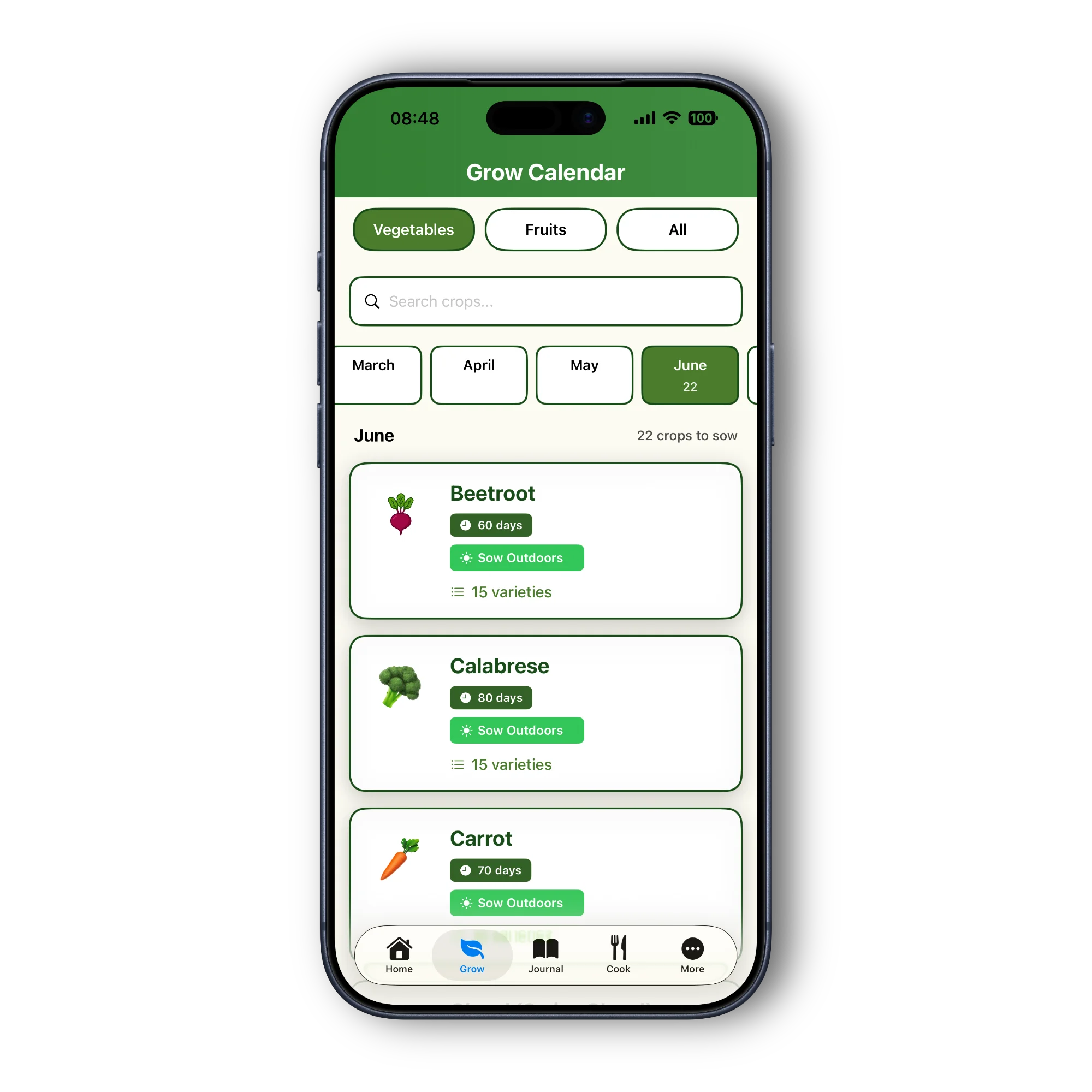
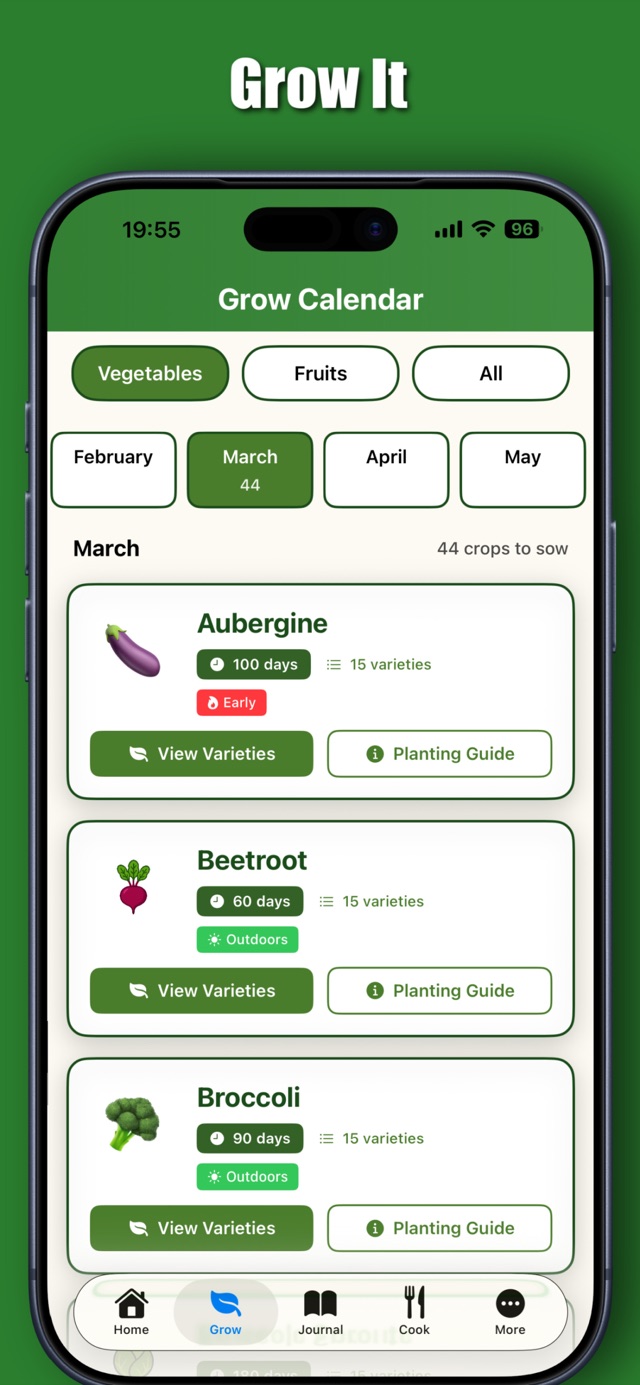
But first — the headline. v2 is the biggest update we’ve ever shipped. Not “biggest” in a PR sort of way. I mean it genuinely changes what the app is. It goes from being a cracking tool for keeping track of what you’ve sown, into the actual place you plan your year, grow your year, and cook your way through it too. You know what I mean? It’s a proper step up.

And — for the first time ever — it’s on Android as well. More on that below.


The Garden Planner — this is the one

If you’ve been asking for this, you’ve been heard. You can now lay out your actual growing space inside the app. Raised beds, plots, greenhouses, polytunnels, rows, containers, cold frames — or whatever cobbled-together thing you’ve got going on, cuz believe me I’ve seen some creative setups on allotments over the years. You put the dimensions in (feet or metres, your choice — the app remembers which you prefer), give each space a name, chuck in a photo if you fancy it.

Then you start dropping plants in. The app shows you a little bed-shaped grid with what you’ve got in there, tells you how much space is left, and — this is the bit I’m proper chuffed about — it warns you if you’re about to put a brassica in a bed that had brassicas in it last year. Three-year rotation memory, built right in. No more trying to remember on a February morning whether that bed had cabbages in it or not. It’s all there.

You can plan three years ahead as well as look back over last year. There’s a “copy from last year” button so you’re not rebuilding everything from scratch come February. And there’s a “seeds to buy” export that turns your whole plan into a shopping list you can share with anyone. Belting, that is.


Your Garden — TODAY

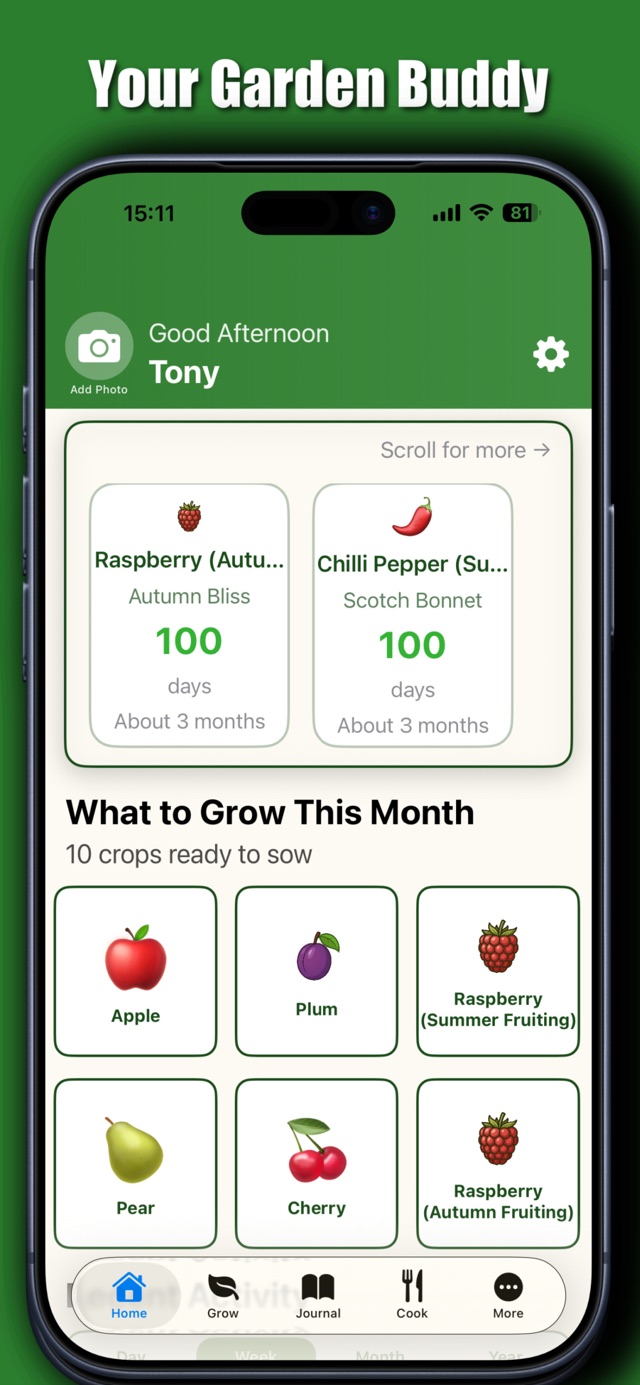
Open the app of a morning and there’s a card there waiting for you. It knows what to sow today. What’s getting close to harvest. What to keep an eye on this week. And it’s not just generic tips off the internet — it knows your garden. Your beds, your location, your last-frost date, your structures. Your tips.

I’ve wanted something like this for a long time, if I’m honest. You know that feeling when you get to the allotment and you’re not quite sure what you should be cracking on with? This sorts that right out.

(This one’s part of our Bumper Harvest plan — I’ll cover the pricing in a sec, don’t panic.)


Ask the Head Gardener

This is dead simple to explain: it’s a gardening chat that already knows your plot. You ask it anything — “my courgettes are looking sorry for themselves, what’s going on?” — and it gives you a proper answer based on what you actually grow, where you grow it, and what you’ve got on. You can send photos too.

It’s capped at 100 messages a month, which sounds like a lot cuz it is. We wanted to keep it genuinely useful rather than one of them things you hammer once and then wonder why your bill went daft.

(Also Bumper Harvest — honestly, just keep reading, it’s not as complicated as it might sound.)


Recipes — 5,000 of them

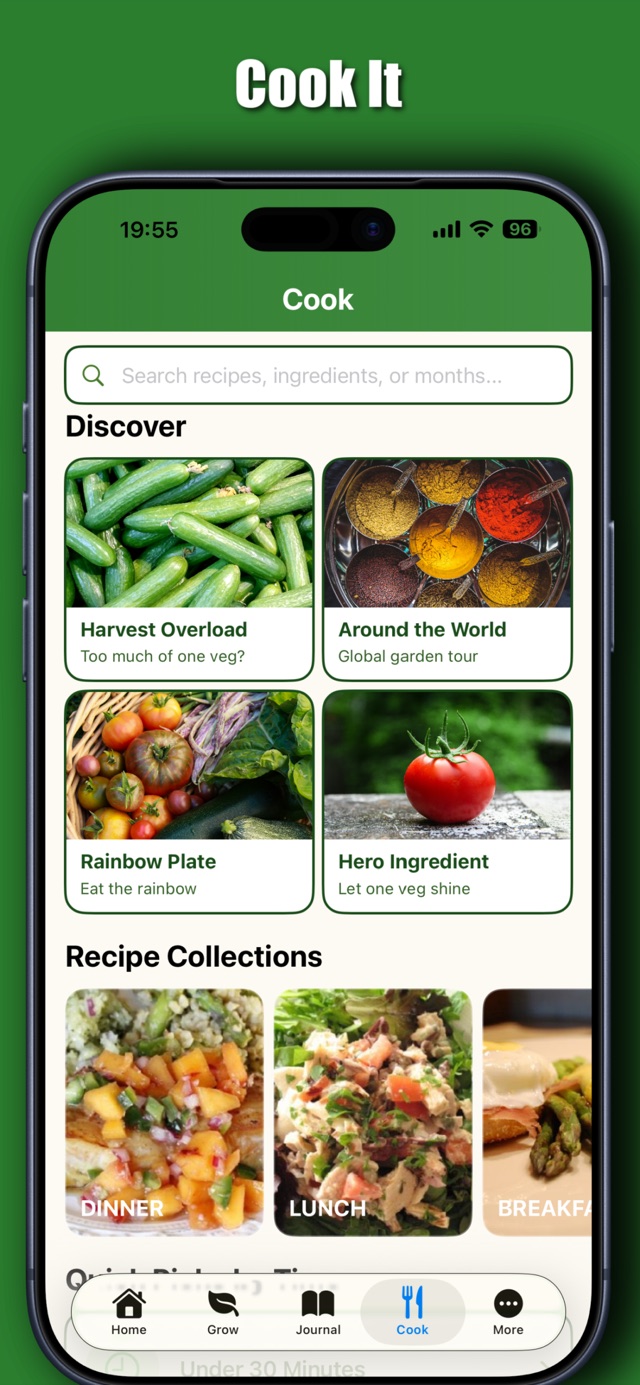
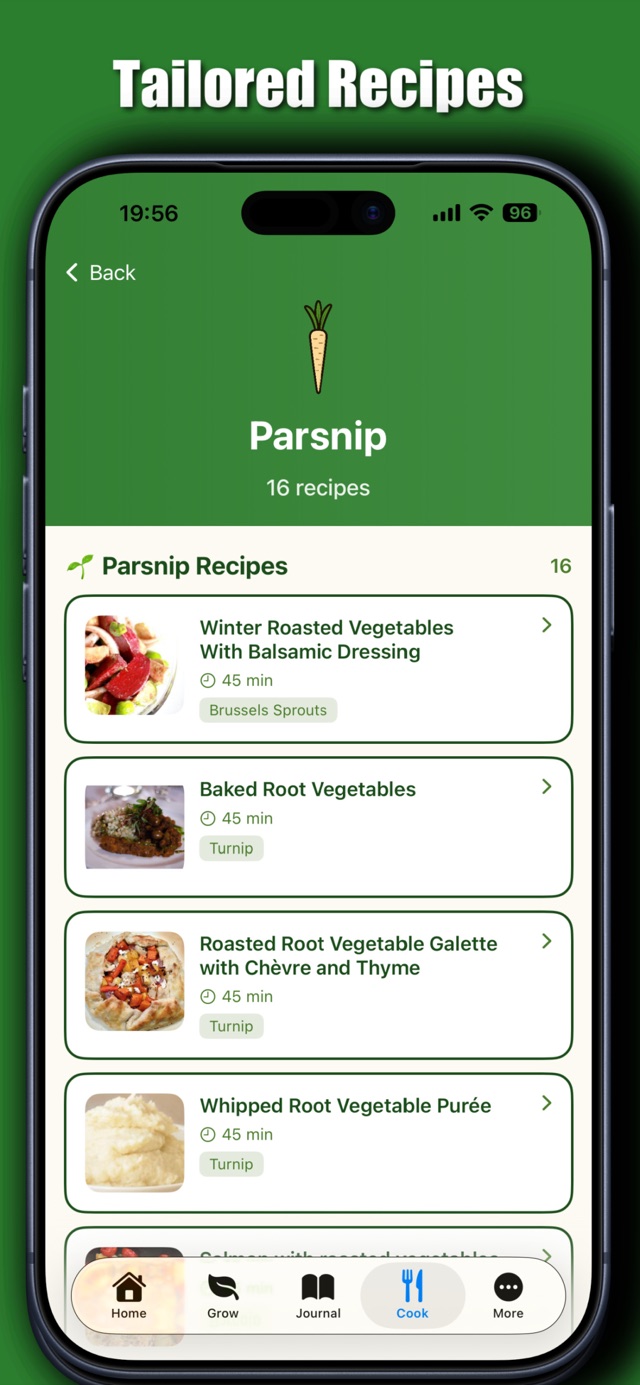
The recipe side of the app has had a serious upgrade. We’re talking 5,000-plus recipes for Bumper Harvest subscribers, with 25 picked just for you, every single day, based on what’s ready in your garden, your dietary preferences, your kitchen kit, and what you’ve been cooking lately. If you grow it, there’ll be something waiting for you to cook with it. That’s the idea.


The pricing — three tiers, nowt sneaky

Right, so here’s how it works now:

Free — your journal, shopping list, garden timeline, up to 5 plants, and 3 recipes. Always free, no timer on it.

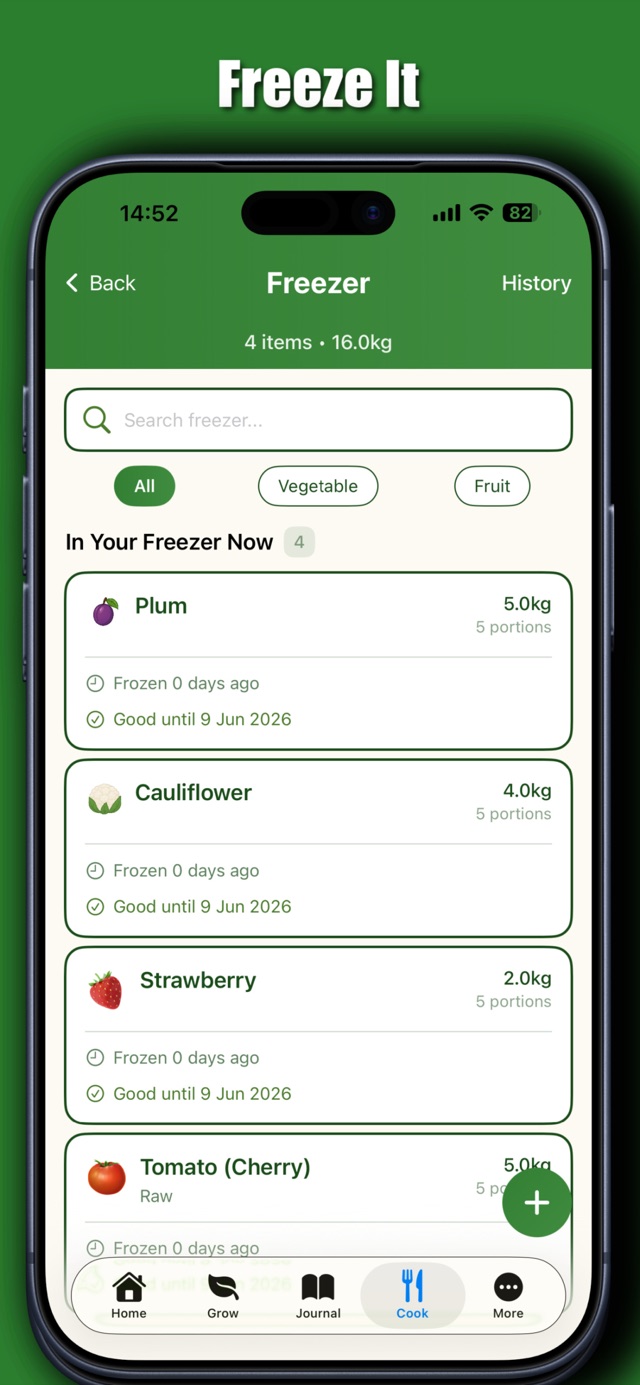
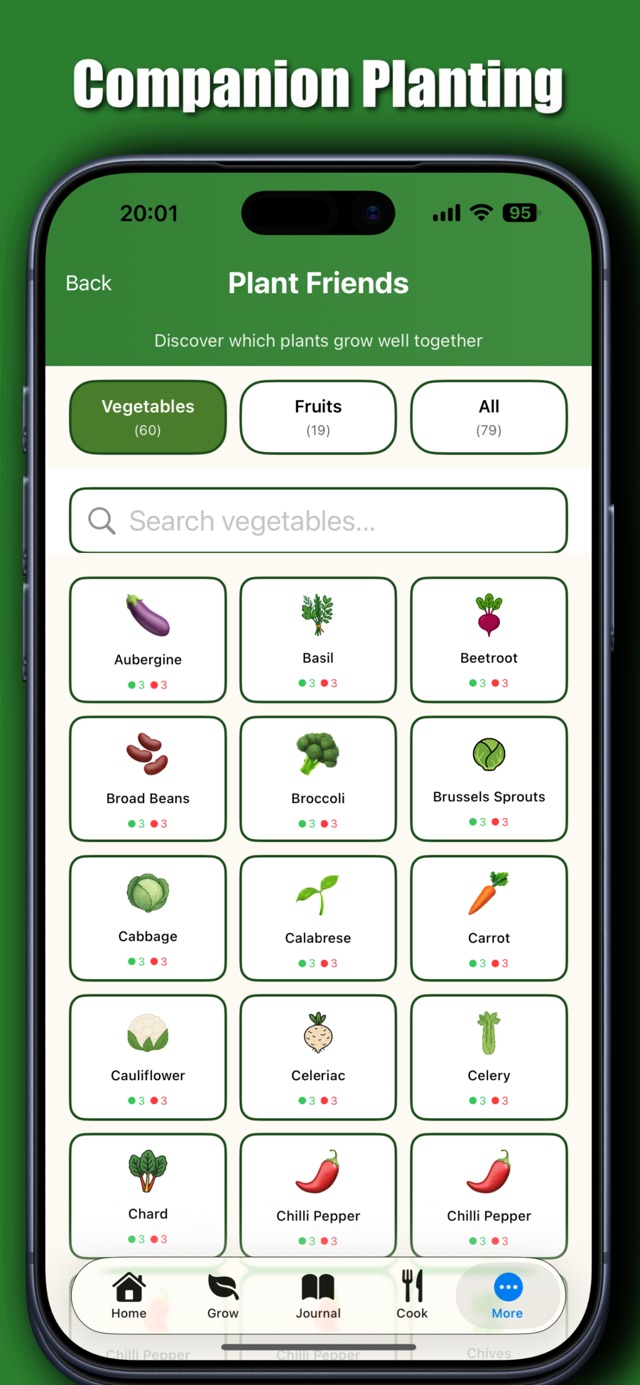
Harvest — £4.99/month or £29.99/year — the full Garden Planner, 200+ recipes, companion planting, freezer tracker, expenses, analytics. Everything most people will need day-to-day.

What is New – Bumper Harvest — £6.99/month or £39.99/year — all of Harvest, plus the daily briefing, all 5,000 recipes, your 25 daily picks, and the Head Gardener. The full kit.

And — this is important — every new account gets 7 days of full Bumper Harvest free. No card needed up front. After 7 days you stay where you are unless you actively pick a plan. No automatic charge. No sneaky bill appearing on a Tuesday morning. A proper try-before-you-buy, like it should be.


A thank-you to the early supporters — the Golden Trowel

If you’ve been with us on a paid plan since the v1 days, I haven’t forgotten you. Not a chance.

Annual subscribers get 12 months of free Bumper Harvest as soon as you open v2. Just for being there from the start.

Monthly subscribers get 1 month free.

And after that benefit runs out, the gold trowel badge stays on your home screen forever. It’s a small thing but it means something to me — a little visible thank-you for being an early supporter, no matter what plan you end up on going forward.

Fair enough? I hope so. You’ve earned it.


Android — finally

GrowMore CookMore is on Android for the first time. Same app, same features, same data sync. So if you and your partner share an allotment and one of you has an iPhone and the other an Android, you can both sign into the same account and your garden stays in sync across both phones. That’s been one of the most-requested things since day one, and here it is.

Get it on Google Play


What about my data? The important bit

I know this is the bit people worry about most, so I want to be straight with you about how it works.

If you’re updating from v1 on the same phone — your data is fine. Your photos, journal entries, plants, freezer, shopping list — all of it is preserved. You’ll see a sign-in screen the first time you open v2, cuz v2 has accounts now (so we can sync across devices and back everything up properly). Sign-up takes 30 seconds, no card needed. Once you’re in, the app will show you a little reassurance — “your garden is safely backed up” — so you can see with your own eyes that nowt’s been lost.

If you switch phones later, just sign in with the same email on the new device. Everything restores — beds, plants, journal entries, photos, the whole garden. Doesn’t matter if it’s iPhone or Android.

There’s just one thing to do before you switch phones: open the app once on your current phone after updating. That’s the moment we secure your data to the cloud. Do that, and you’re sorted. Skip it and go straight to a new device, and — hand on heart — we can’t reach back to your old one. So just open it once first. Thirty seconds, bish bash bosh, you’re safe.


Right then — go have a look

If you’re already a GrowMore CookMore user: open the App Store, hit Update, and have a poke around. Your garden’s all there, plus a load of new tools to play with. And if you were on a paid plan with us, your thank-you is already waiting on the home screen.

If you’re new here: the first seven days of the full Bumper Harvest are on us — no card, no catch. Get it on the App Store or Google Play and have a look at what your garden could be in 2026.

Cheers for sticking with us. It means a lot.

Look after yourselves. Take good care.

— Tony

growmorecookmore.com

Comments

Leave a Reply

Your email address will not be published. Required fields are marked *